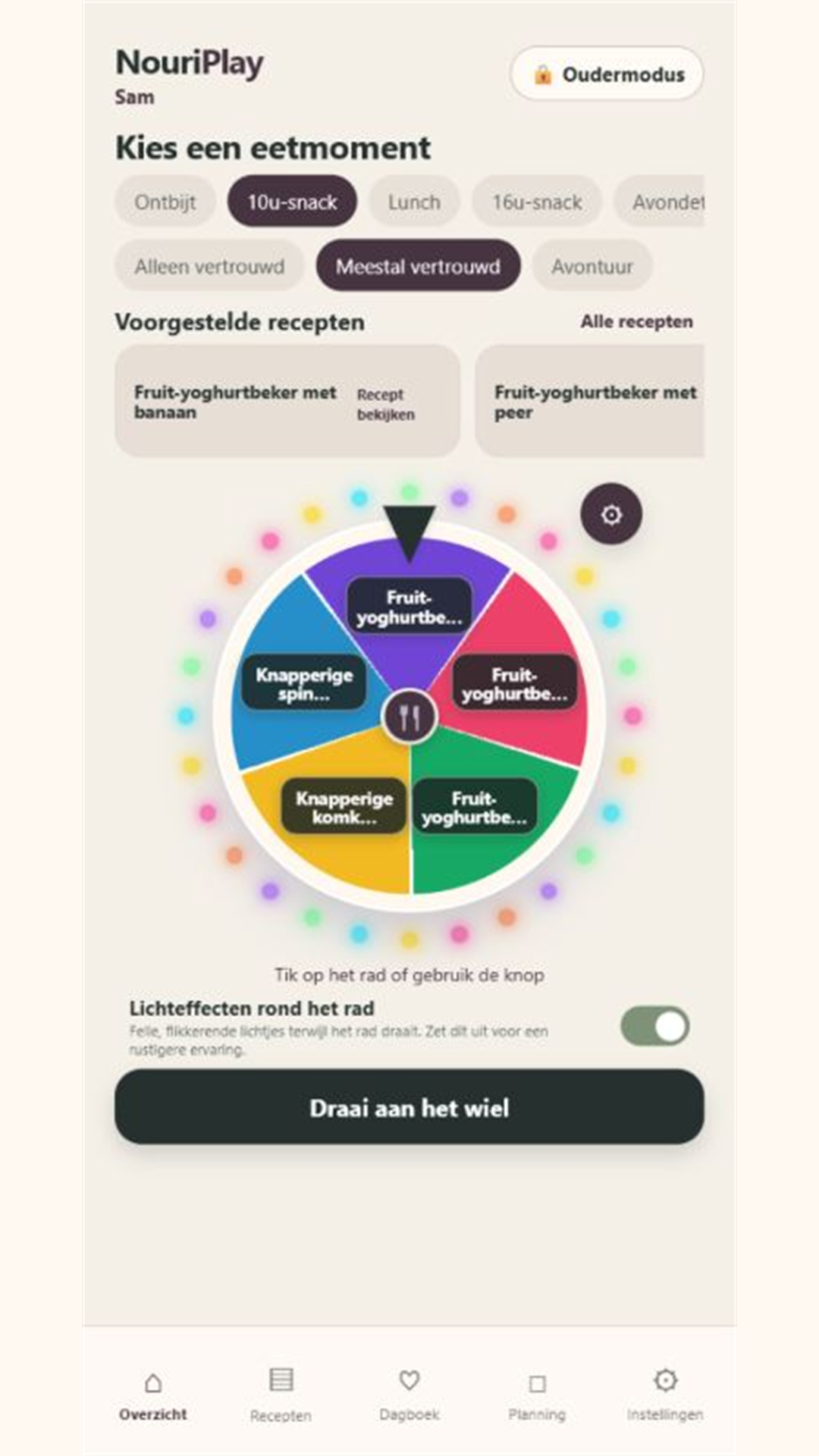
Offer a playful choice of meals within boundaries set by an adult.
Family Meal Wheel helps adults prepare suitable meal options and lets children explore those choices through a wheel. Profiles, family recipes, planning and a private food diary keep the wider family context close at hand.
For adults guiding meal choices with children and families.
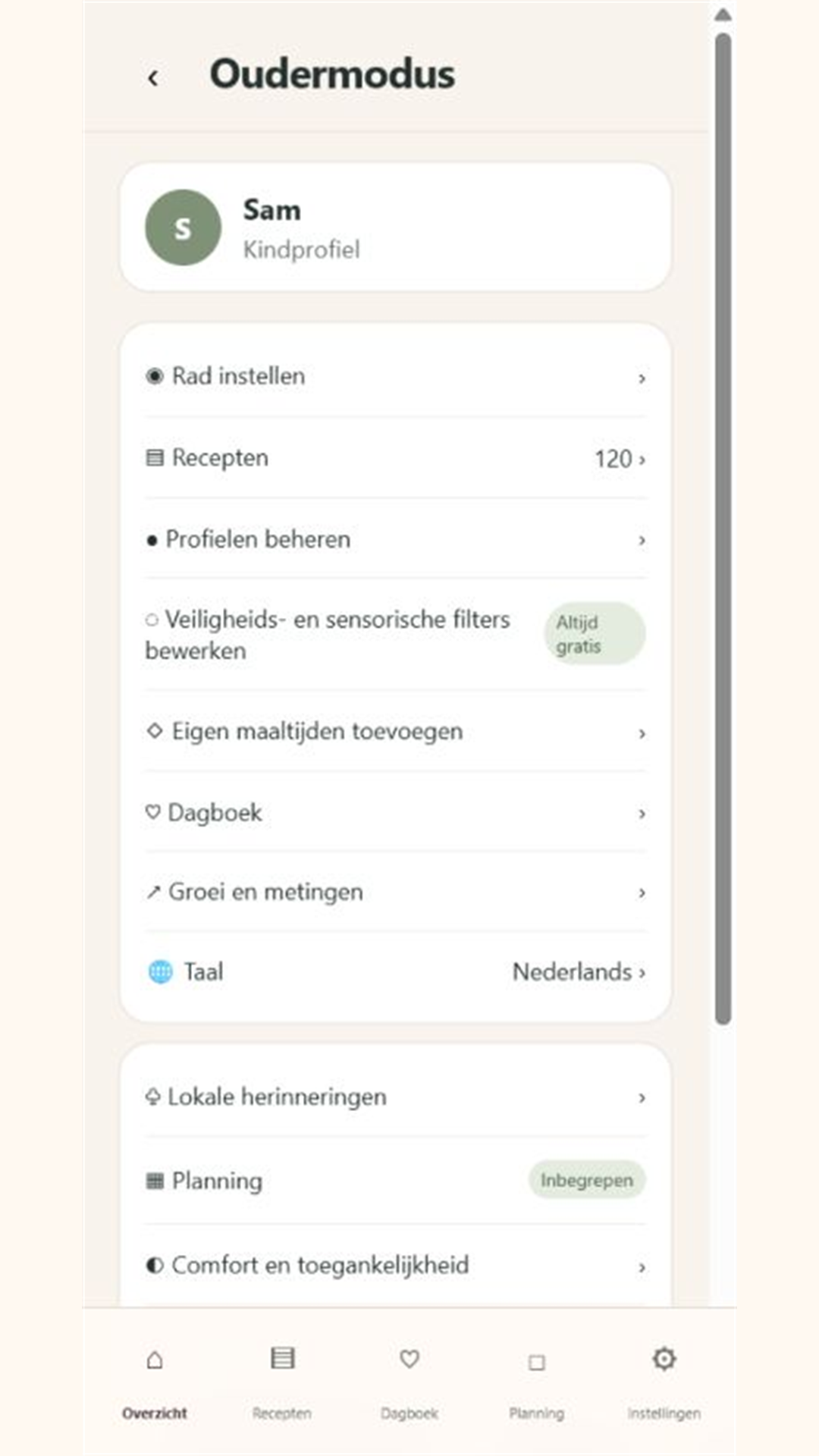
The meal wheelA playful way to explore options that an adult has selected.Parent modeManage profiles, recipes, preferences, diary entries and family planning.
Adult supervision remains essential. Family Meal Wheel is not a medical device, diagnostic tool or allergen-free guarantee.
Start in the adult-controlled environment before handing over the choice wheel.
Create or select the intended profile. Review the profile rather than assuming the last-used child or family member is still selected.
Record relevant preferences and allergen information. Independently check product labels, ingredients, age suitability and cross-contamination risks.
Add or choose the family meals you are comfortable offering. A recognisable name or personal meal photo can help make the options familiar.
Review the available breakfast, snack, lunch or dinner options before using the wheel. Keep the selection manageable for your family.
Explain that the wheel helps explore choices. Stay available to support the child; an app result does not replace adult judgement.
GUIDE 02
Use the wheel without turning it into pressure
A choice can be playful without making a food decision a reward or punishment.
Choose the appropriate profile and meal moment, then check that the available options are still suitable.
Let the child explore the prepared choices with your guidance. Use the result to start a conversation rather than insisting that it must be eaten.
Keep familiar foods available alongside new options when appropriate for your family.
Return to the adult controls when an option needs changing. Review the profile and meal rather than asking the child to work around unsuitable choices.
GUIDE 03
Keep useful diary notes
Record observations that will help you remember what happened, not conclusions the app cannot establish.
In the adult environment, choose the correct profile and date before adding a diary note.
Record concrete observations: the meal offered, a food tried, a preference expressed or a sensory reaction you noticed.
Use meal planning to organise upcoming options while keeping the diary as a record of what actually happened.
When preparing a report for a qualified professional, select the relevant period and review the information before exporting or sharing it.
Keep exported reports private and check the recipient. A file you share is a separate copy outside the app's local storage.
Common questions
Answers for Family Meal Wheel
Is this a calorie or weight-loss app for children?
Its purpose is adult-guided meal choice, family planning and observations. Do not use it to turn food into weight pressure, reward or punishment.
Are the wheel results automatically safe for allergies?
No. Filters are aids, not a guarantee. An adult must check ingredients, labels, cross-contamination and individual suitability.
Can I use it in a browser?
Yes. The web app is available in a modern browser. Local information belongs to the device and browser environment in which you entered it.
Does a child need a public online account?
The documented workflow is adult-managed and local-first. It does not create a public child account. Adults control profiles, safety settings and sharing.
Are there advertisements in child mode?
The published privacy policy describes limited advertising in Parent Mode in the free Android version, and no advertising in Child Mode or at app startup. Premium removes ads.
Can I send a diary report to a professional?
An adult can choose an export and review it before sharing. Confirm the intended profile, date range, content and recipient; the report is not an automated diagnosis.
More detail
Features and background
The concept
A choice children can enjoy, within boundaries adults set.
An interactive choice wheel
Children can explore suitable breakfast, snack, lunch and dinner options without facing an overwhelming open-ended question.
Adult-guided options
Adults decide which choices are available per profile and can add family meals, recipes and photos.
Familiar and new foods
Familiar favourites and new tastes can sit side by side, without turning food into a reward, punishment or weight message.
Built around family context
Calm for children. Useful context for adults.
Family Meal Wheel combines profiles, recipes, meal planning and a private food diary. Adults can record likes, dislikes, safe foods, newly tried foods and sensory reactions, and share a chosen period with a qualified professional.
Profiles and allergensSensory preferencesFamily recipesDiary and planningPDF reportsLocal reminders
Release status
Available on Android and as an installable web app.
Use the Android app from Google Play or open the web app directly in a modern browser. Profiles, wheel choices, recipes, planning and diary notes remain available locally.
No subscription price is embedded here or in the app. Google Play shows each Android user the current local price and billing information.
Support & privacy
For help with Family Meal Wheel, mention your app version, device and what happened. Do not send passwords, invitation codes or unnecessary personal information.